

Planning
Show us the load.
Measure the difficult parts.
You do not need to document everything to book. But if unsure about the van, help or access, useful photos and measurements make planning easier.
If unsure which van or how many helpers to choose, send photos and measurements to Teleporter support. Show both belongings and difficult passages. A photo alone cannot establish exact weight, dimensions or whether furniture can turn on a staircase.
The essentials, in brief.
- Photograph the whole load and the largest or most difficult items.
- Measure furniture and narrow passages rather than guessing from a photo.
- Explain what you will help with and what the team must do.
01 · The whole load
Start with an overview of what is moving
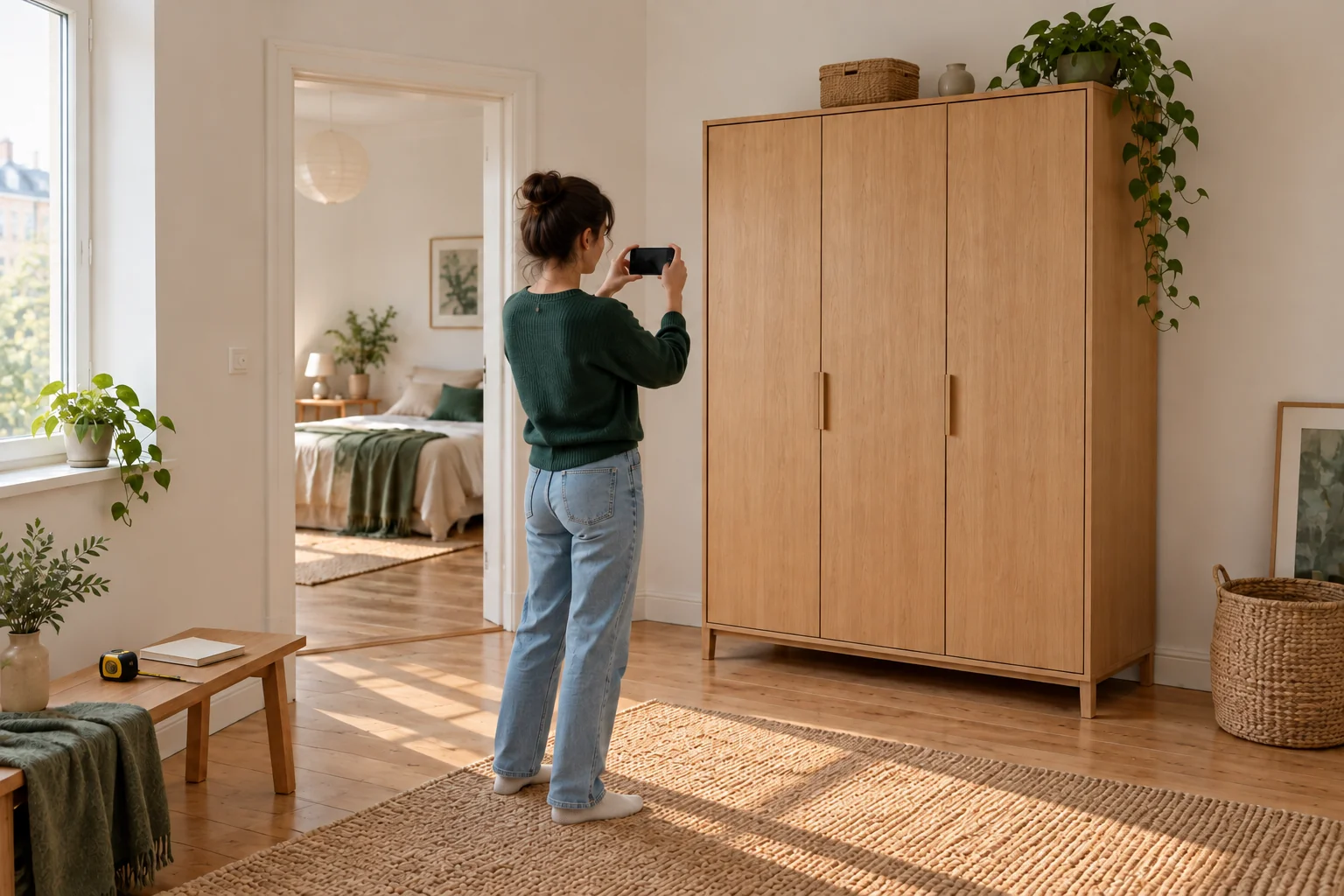
Take overview photos from several angles so support can see the quantity. Include boxes, bags, loose shelves and furniture parts that are easy to overlook. State if anything shown must stay.
You do not need photos for every booking. They help when you want support choosing a van or planning a special task. You can also describe belongings by phone.
02 · Dimensions and weight
Measure the largest items
Provide length, width and height for items such as sofas, wardrobes, mattresses and tabletops. If something dismantles, explain the resulting parts and whether this happens before collection or requires agreed help.
Give weight if known from the seller or product information. State if it is unknown; a photo cannot determine it precisely. Also disclose particularly heavy, fragile or valuable contents.
03 · Access route
Show potential difficulties
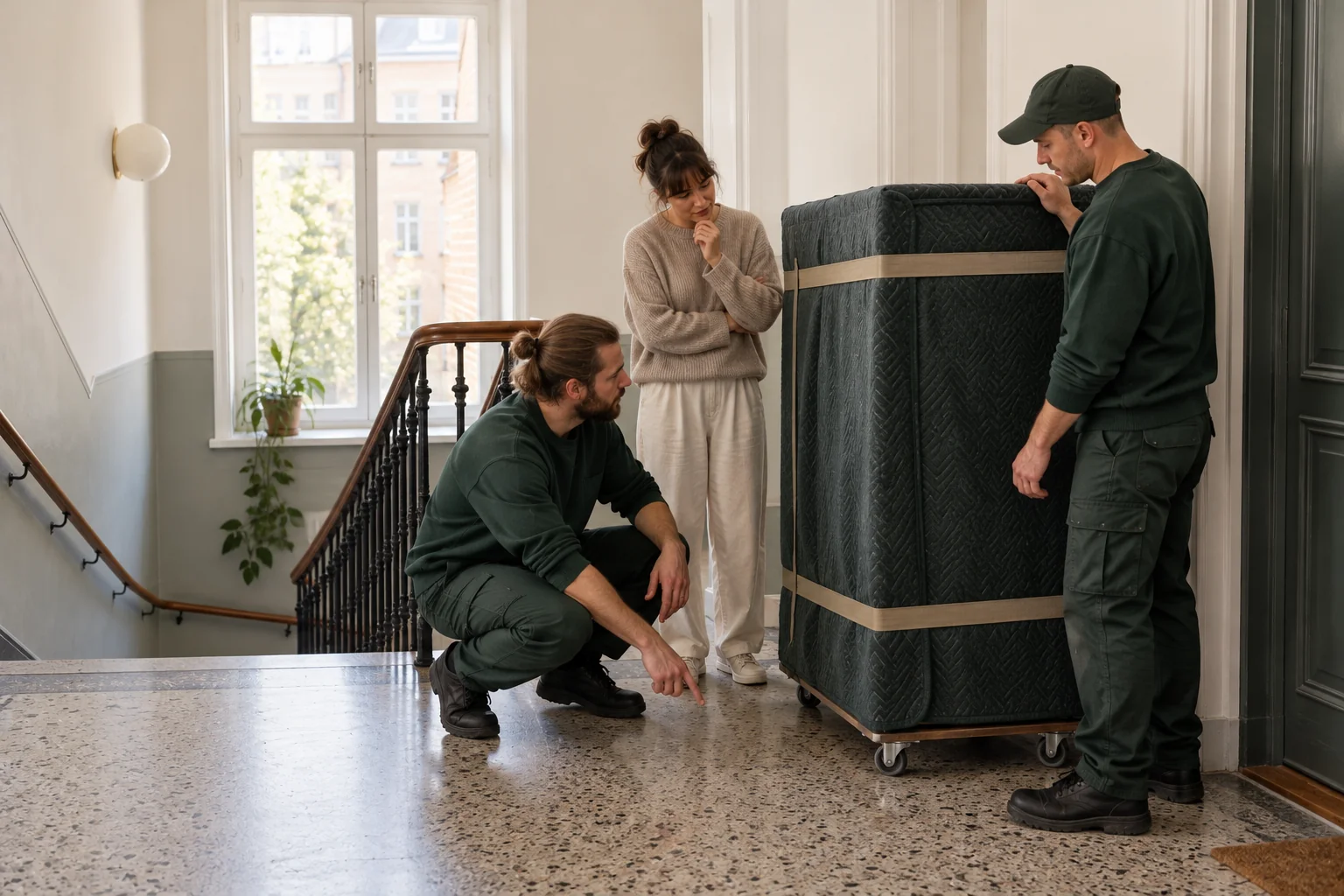
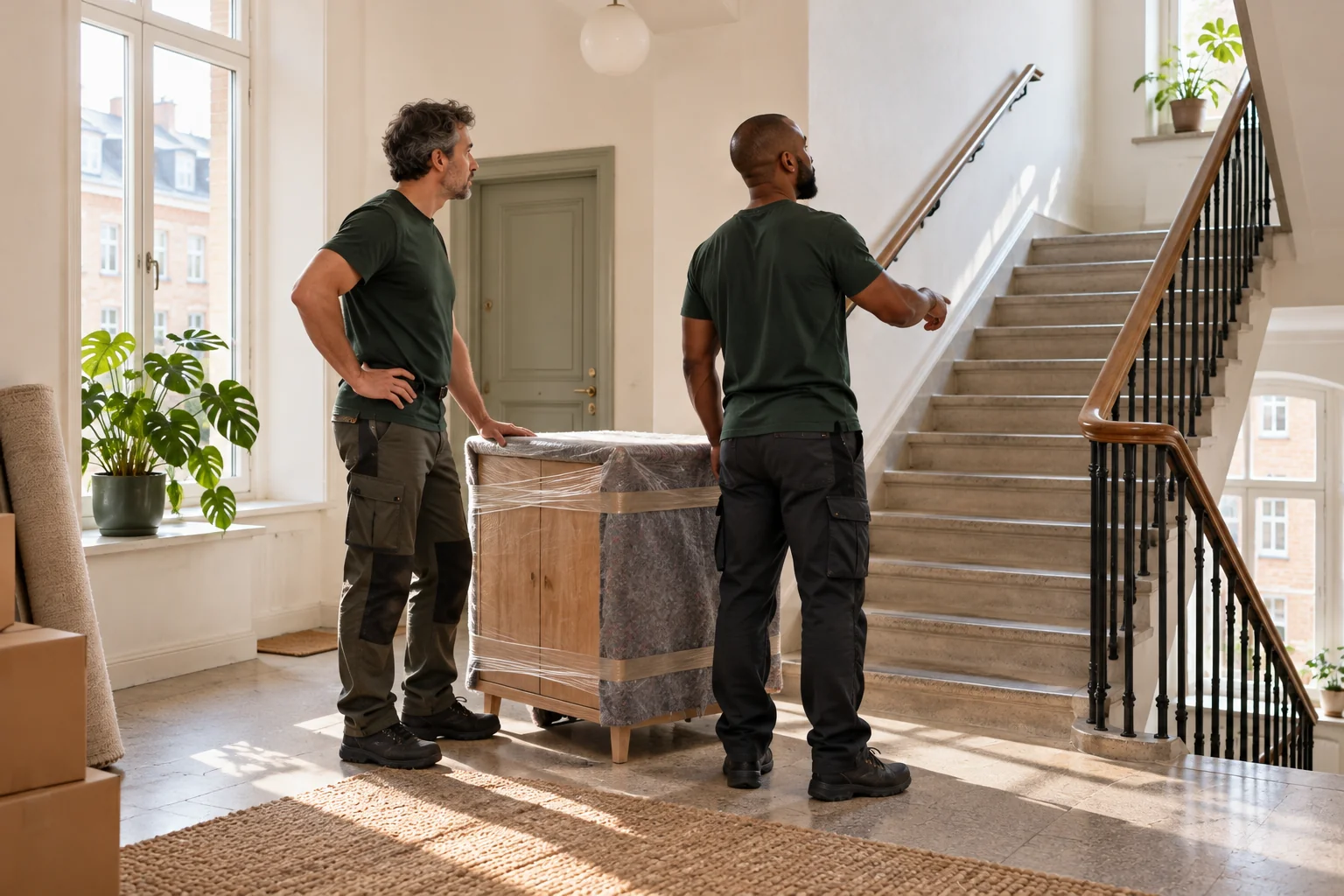
Photograph narrow doors, staircase turns and lifts that may limit access. Measure relevant clear openings and state the floor and distance from parking to entrance.
Include information from both addresses. An item may leave the seller's home easily but be difficult to bring into yours. Photos and measurements aid planning but do not guarantee every lift or turn is possible.
04 · Send the details
Keep information linked to your order
Use the channel agreed with support, such as email or messaging. If already booked, include the order number, addresses and time. Call if helpful to confirm support has the information for assessment.
Also explain who can help carry and whether packing or dismantling is needed. Avoid sending unrelated documents, screenshots with private details or other people's belongings irrelevant to the task.
Ready for moving day?
One final review.
- Overview photos of the entire load.
- Length, width and height of large items.
- Known weight or an explicit note that it is unknown.
- Photos and measurements of difficult passages at both addresses.
- Details of your own help, packing and dismantling.
- Order number and contact information for support.
Have a good move — and a good start at your new address.
Back to the blog