
Planning
Your move. One clear overview.
From the first moving boxes to the final trip. Here is what to organise before moving day begins.
View in the blog



Find answers about booking moving help, choosing a van, prices, payment, tracking and credit — or contact our support team.
Need transport today, or is it urgent?Call +45 50 17 57 57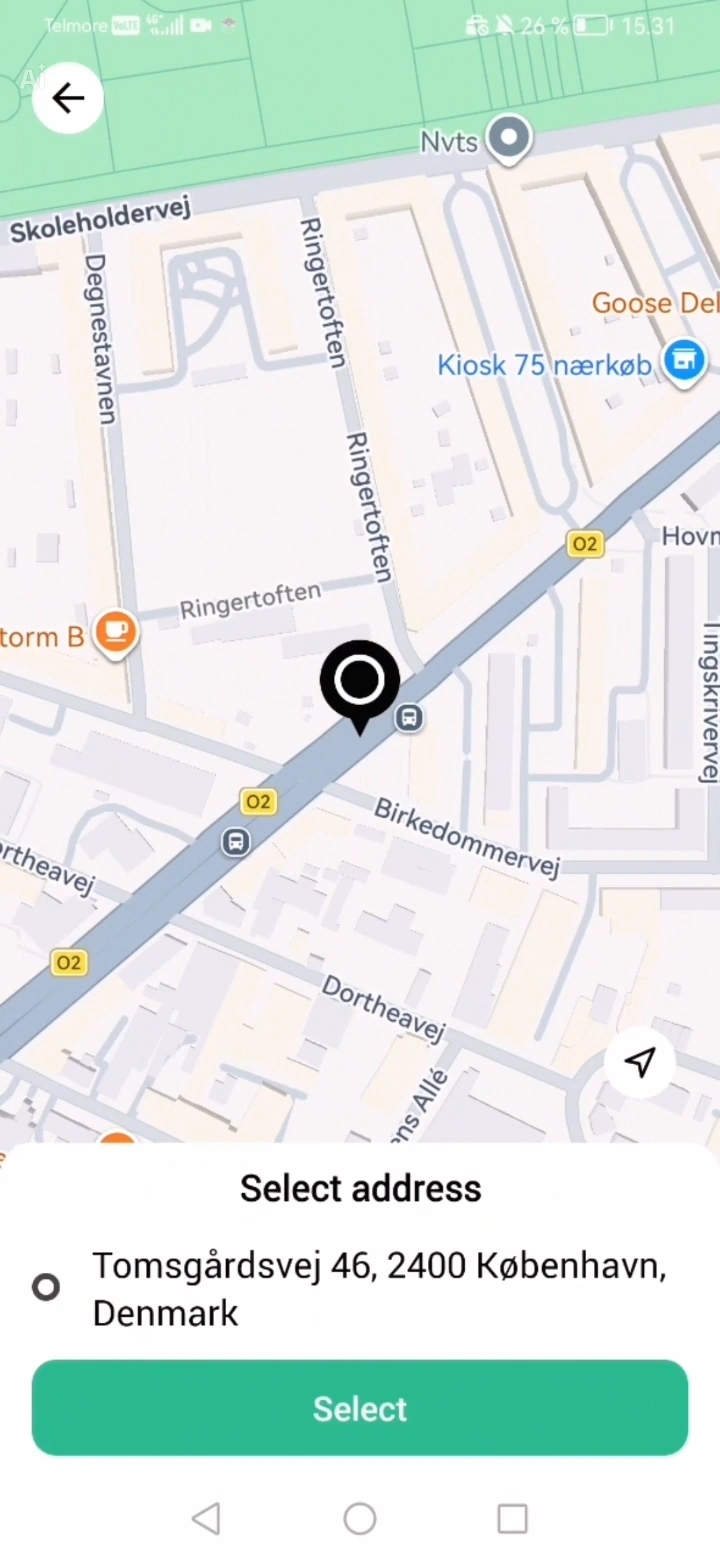 1:09
1:09Add addresses and stops. Organise your route.
Watch video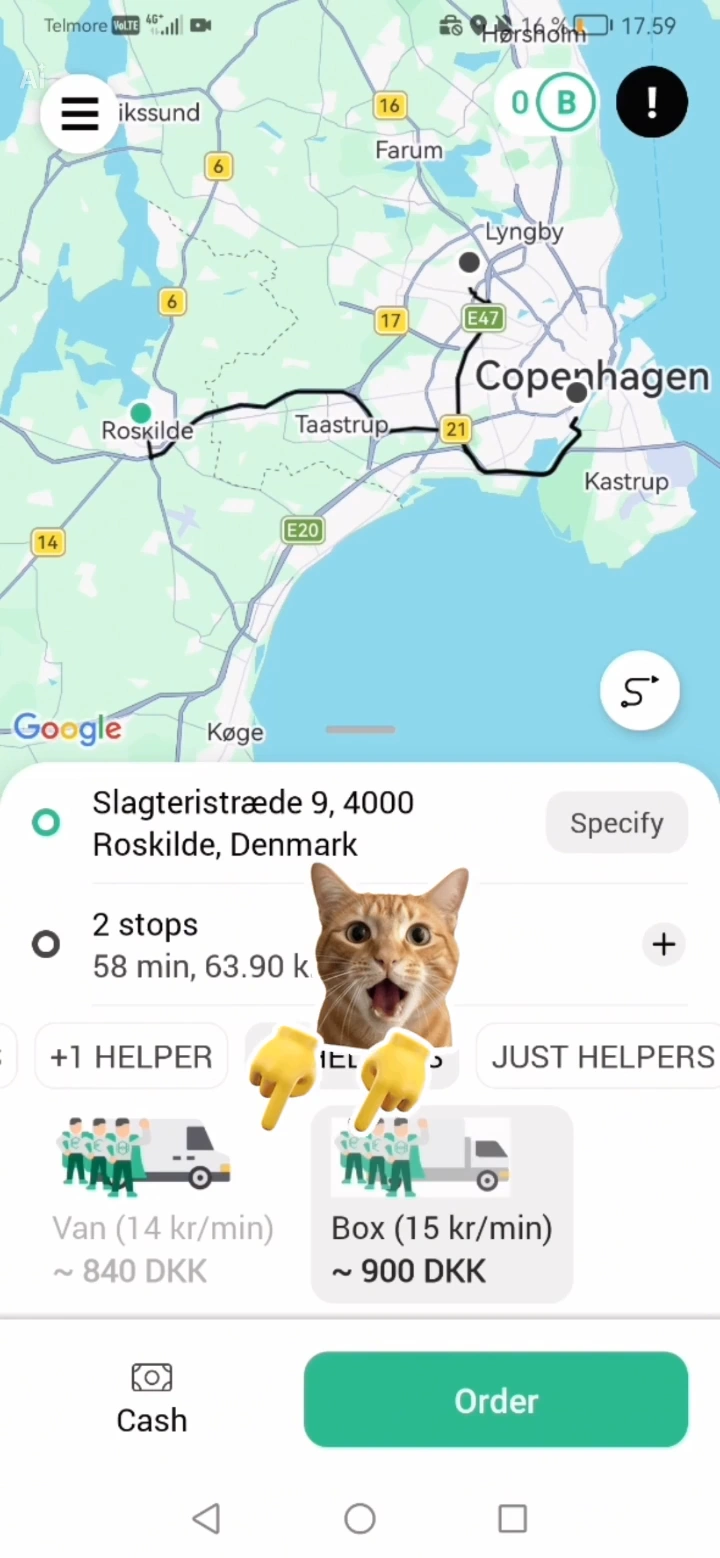 1:48
1:48Choose the van and carrying help that fit your job.
Watch video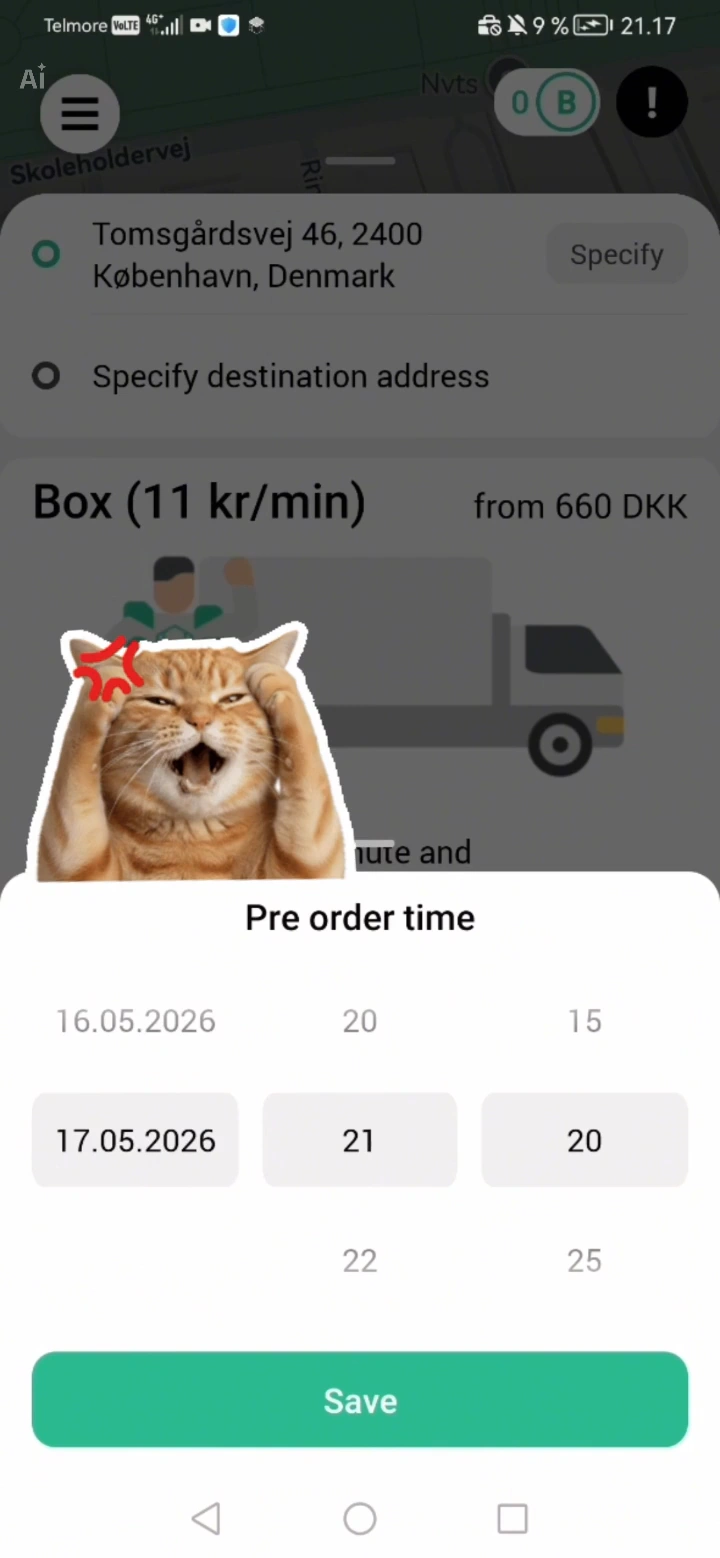 1:24
1:24Choose a date and add the details and contact person for your move.
Watch video 1:30
1:30Add a promo code, use your bonuses and make changes to your order.
Watch video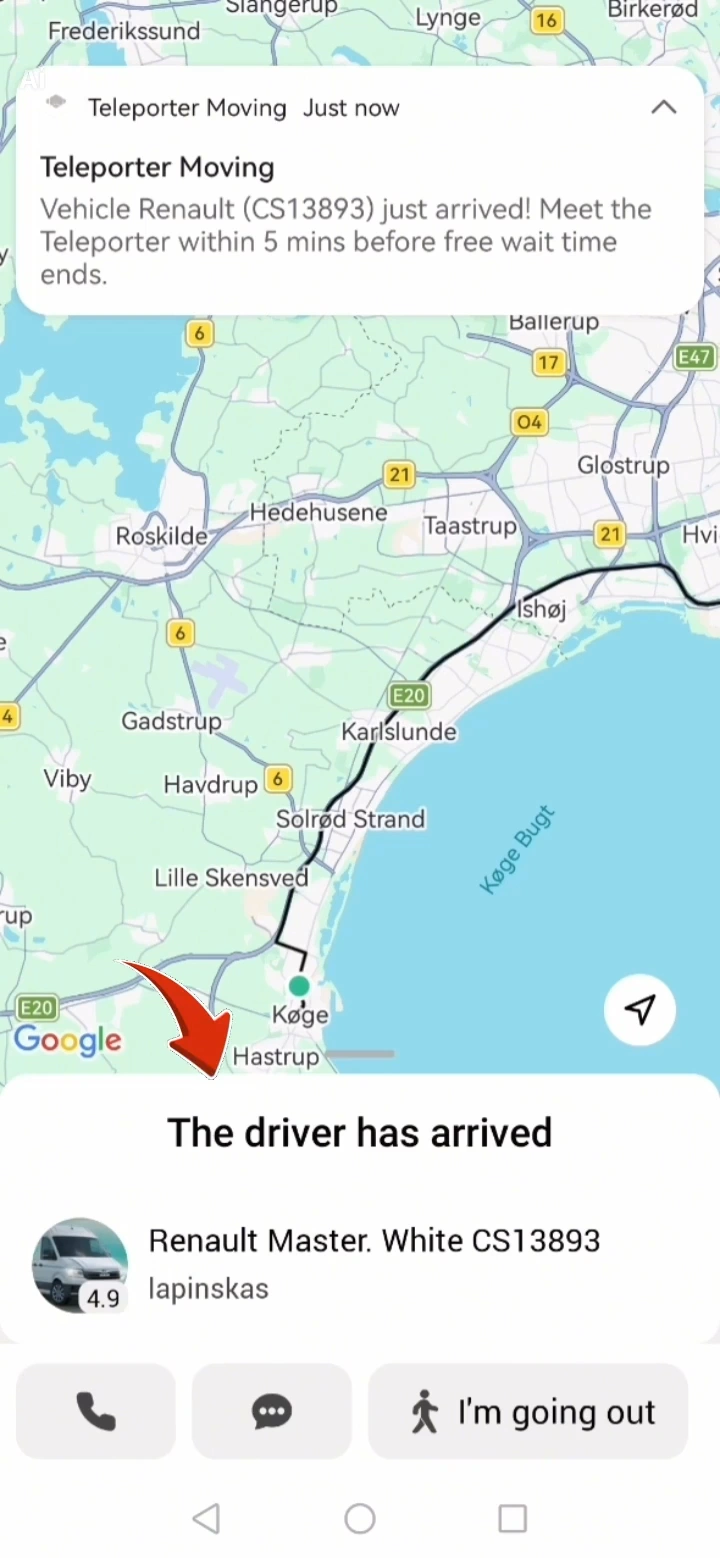 1:20
1:20Follow the job during transport and review the details when it is complete.
Watch videoDownload the app, enter the pickup and delivery addresses, choose the vehicle and number of helpers, and submit the job. You will see the terms before you confirm.
After you add two addresses, a plus icon (+) appears by the second address. Use it to add as many stops as you need. Open the address list to remove, reorder, or add addresses.
If you need transport today, we recommend calling us instead of using the contact form. A manager can check whether a suitable vehicle and the help you need are available. Availability is not guaranteed.
The app lets you choose a date up to one month ahead. For a later date, select Booking more than one month ahead in the contact form. Include your preferred date, time, addresses, vehicle and help requirements. A manager will help arrange the booking manually. Your enquiry is not a confirmed booking.
Cancellation is free if no driver has accepted the job or started driving towards you. If the driver is already on the way, a DKK 150 cancellation fee applies.
Teleporter is available for iPhone and Android. Download the app from the App Store or Google Play.
Add the addresses, preferred date and a description of the job. Include floors, lifts, distance to the vehicle and any large or especially heavy items. This helps us prepare the job.
Open the job in the app and review the available options. Contact support if you need to change something you cannot edit yourself. If the change is urgent, call us and have your booking reference ready.
Choose the approximately 10 m³ van for smaller moves, furniture, and boxes. Choose the approximately 18 m³ box van for larger moves, heavy items, and complete homes. Call us if you would like help choosing.
The rate depends on the vehicle size and the help you need: driver only if you load and carry yourself; a helping driver; or a driver with one or more helpers for loading and unloading. Packing help must be arranged with support in advance.
Yes. You can book helpers only for carrying, moving, and additional support on larger jobs.
Intercity transport is available only by individual agreement at a fixed price confirmed by a manager. It cannot be booked as a standard per-minute service in the app. Any bridge, ferry or road charges are agreed as part of the quote. Our primary service area is Copenhagen and the surrounding area.
Yes, but it must be booked by phone. Contact us and we will arrange suitable help and materials.
Contact us before booking and describe the items, their dimensions and access conditions. We can then determine the right vehicle, help and any special handling required.
When the driver reaches the first address, they tap Arrived and you receive a notification. You then have five minutes of free waiting time. Timing starts when the driver taps Start and stops when delivery is complete. For unattended delivery, the driver may start the job on arrival. After payment, the driver confirms it in the app and you can rate the experience.
The minimum booking is 60 minutes for jobs with a vehicle and 120 minutes for carrying help without a vehicle. The minimum and your selected per-minute rate are shown in the app before you book.
The rate covers the vehicle and help you choose. Select driver only if you will load and carry yourself, or add carrying help. Packing must be arranged with support in advance.
You have five minutes of free waiting time after the driver reaches the first address. Timing begins when the driver taps Start. For unattended delivery, the job may start on arrival. Contact support if you are unsure about waiting time for your job.
You can follow the running cost in the app. The price updates every 1–3 minutes and is finalised when the job ends.
The per-minute rate and minimum booking are shown in the app before you book. Cancellation is free if no driver has accepted the job or started driving towards you. If the driver is already on the way, a DKK 150 cancellation fee applies.
The app shows travel time. Total time also depends on floors, distance to the vehicle, the amount and size of your belongings, stairs, and lifts. You are welcome to call support for a qualified estimate from a moving manager.
Choose from the payment methods shown in the app before confirming your booking. If you have credit, turn on Use credit under the payment method to use your balance.
As a new customer, you receive DKK 100 in credit for your first trip by using either a bonus code from Messenger or an invitation code from a friend. Enter the code in the Teleporter app under Menu → Promo codes.
You receive DKK 100 when a new friend has used your invitation and completed their first job.
Yes. Your friend receives DKK 100 in welcome credit as a new customer.
Yes. You can receive DKK 100 for every new friend who signs up through your invitation and completes their first job.
You can see your balance in the app. Turn on credit under the payment method when you want to use it for a booking.
No. Credit can be used for moving and transport with Teleporter, but cannot be paid out in cash.
Open Menu → Invite friends in the Teleporter app. Copy your personal code or use Send an invitation to share a message with the code and app links.
Check that the code was copied correctly and entered under Menu → Promo codes. If the error continues, contact support with the code and error message. Never share your password or payment card details.
Yes. Turn on Use credit under the payment method. Your available balance is deducted from the next booking and can cover up to 100%. If the job costs DKK 620 and you have DKK 300 in credit, you pay the remaining DKK 320.
It may be possible if a passenger seat is available, but we cannot guarantee that you can ride along. In a vehicle with 3 seats in total, there is room for up to 2 passengers with the driver only, 1 passenger with a driver and 1 helper, and no passengers with a driver and 2 helpers. Some vehicles have only 2 seats, and we cannot guarantee a vehicle with 3 seats. Always add your request to the booking comments, or let our manager know by phone. Check the available seats with the manager by phone or chat before the trip.
You can follow the driver's location, job status, and running cost in the app. The price updates every 1–3 minutes and is finalised when the job ends.
If the driver is more than 10 minutes late and does not answer, call support so we can investigate and arrange a replacement if needed. For a delay of more than 20 minutes from the agreed time, you may ask support to check the recorded arrival time. Compensation is DKK 5 in bonus per minute from minute 21, up to DKK 200 in bonus, credited to your Teleporter account for the current or a later job.
Yes. Support is available in Danish, English, Russian and Ukrainian every day from 08:00 to 20:00 by phone and Messenger. For transport outside these hours, a dedicated manager will be available by phone.
Open your active job in the app to find the driver's contact options. If you cannot reach the driver and it is urgent, call support.
After every job, you can rate your experience. On iOS, swipe up after payment before tapping Done to find the rating. On Android, it opens automatically after the driver confirms payment. Only drivers with an average rating of at least 4.5 stars remain in the system.
Yes. Everything we transport is insured in the event of a documented traffic accident. In other cases, the insurance covers items packed by our drivers. If you have not ordered full packing service, we cannot accept responsibility for damage to customer-packed boxes or items, including when drivers help carry or load them. We recommend photographing items before and after packing and after loading. When our drivers pack, they document each step and provide suitable protection.
Contact support with your booking reference, date and a description of what happened. Photos help document damage. Select Damage or missing item in the contact form and attach any photos in your email program.
Include your booking reference, date and the amount in question. Explain what you think is incorrect so support can investigate the job. Do not send full card details, security codes or passwords.
Yes. In Messenger you can get guidance, request a video guide and ask support non-urgent questions. If it is urgent, call us. You can also send an SMS. Replies in Messenger and by SMS may take a little time.
Call if you need transport today, your question is urgent, or it concerns an active job. Use Messenger or email for non-urgent questions. You can also send an SMS, but a reply may take some time.
Check your internet connection and whether an update is available in the App Store or Google Play, then reopen the app. If that does not help, send your phone model, app version and error message to support. Call if the problem affects an active job.
Contact support from the email address used for your Teleporter account and describe what you need. Do not share your password. You can also ask us to correct or delete your information.
You can apply whether you have one van or several vehicles and employees. The partnership page explains the quality standards and lets you tell us about your business.
Choose a topic and briefly describe your question. That gives us what we need to help.
Planning
From the first moving boxes to the final trip. Here is what to organise before moving day begins.
View in the blog
Packing
Small boxes for heavy items, clear labels on the side and simple choices that make unpacking easier.
View in the blog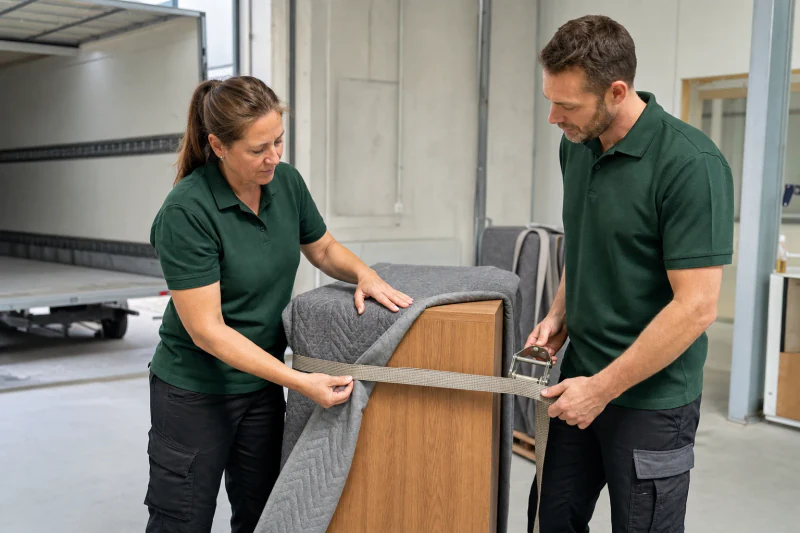
Packing
Protect corners, collect loose parts and prepare furniture before the vehicle arrives.
View in the blog