


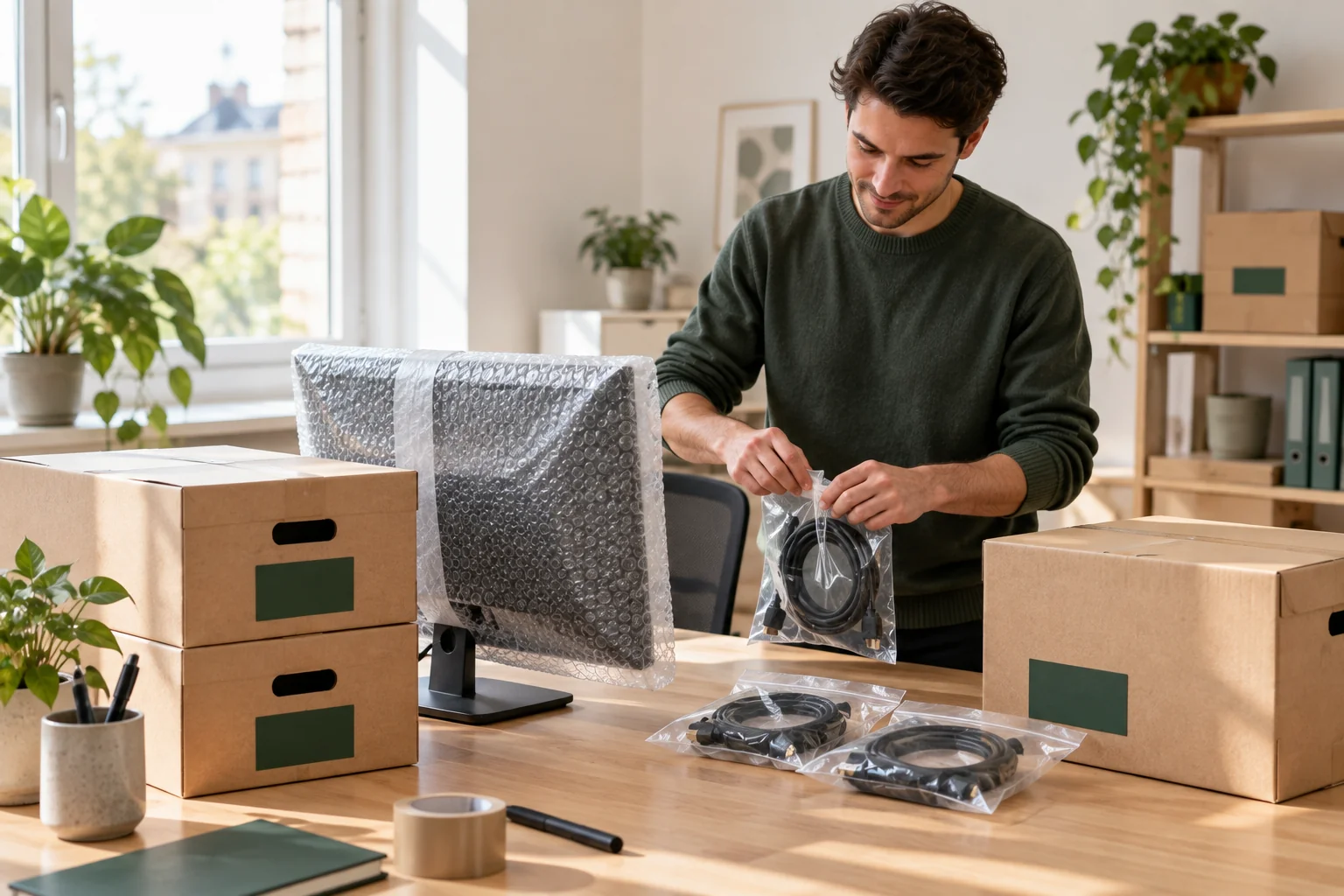
An office monitor, archive boxes and cables packed separately

Planning

Office equipment.
Ready for moving day.

Prepare screens, printers and archives with labels, a responsible contact and agreed packing. Teleporter transports them; IT and data need a separate plan.

Calculate your price
About 2 min readRead the guide
Published

Teleporter can transport office equipment and archives. The business must arrange suitable packing or book help beforehand. Disclose special value, sensitivity or large items so support can assess the task and find a suitable crew.

The essentials, in brief.

  • Labels should identify the destination.
  • The business plans IT preparation.
  • Agree packing and special equipment with support.

01 · Appoint a responsible contact

Appoint a responsible contact

Have one person compile the inventory and describe the new placement. Label workstations and boxes with an understandable destination. Use labels that help the move without unnecessarily exposing sensitive document information.

Tell support who can make decisions during the job. You can list one contact at collection and another at delivery. Ensure both know the scope and schedule.

02 · Have your IT team prepare equipment

Have your IT team prepare equipment

Agree shutdown, disconnection and preparation with your own IT staff. Use the manufacturer's transport instructions for each device. Label cables and accessories so they can be matched to the correct workstation.

Moving a server enclosure is not the same as IT migration, backups or restoring a network. Teleporter does not promise those tasks through an ordinary transport booking. Plan who will restart and check the systems.

03 · Agree packing and access

Agree packing and access

Archives and equipment must be safely packed. If you want the crew to pack, send details and agree materials and time with support. A large floor-standing printer or heavy unit needs separate assessment.

Confirm access to the office, goods lift and unloading area. Also agree any business payment or invoicing arrangement beforehand. Booking from a work phone does not automatically create an ongoing corporate agreement.

Ready for moving day?

One final review.

  • List equipment and archives.
  • Appoint contacts at both addresses.
  • Plan shutdown and restart internally.
  • Confirm packing, access and payment.
Find a vehicle and carrying help

Have a good move — and a good start at your new address.

Back to the blog


From plan to move

Ready for your
next move?

Calculate your price
Go to article

Get Teleporter

Choose your app store.

Welcome credit

GetDKK 100in credit when you sign up.

Open Messenger

Contact Teleporter

Choose language

Dansk

Planning

Office equipment.
Ready for moving day.

Prepare screens, printers and archives with labels, a responsible contact and agreed packing. Teleporter transports them; IT and data need a separate plan.

About 2 min readRead the guide
Published
An office monitor, archive boxes and cables packed separately

Teleporter can transport office equipment and archives. The business must arrange suitable packing or book help beforehand. Disclose special value, sensitivity or large items so support can assess the task and find a suitable crew.

The essentials, in brief.

  • Labels should identify the destination.
  • The business plans IT preparation.
  • Agree packing and special equipment with support.

01 · Appoint a responsible contact

Appoint a responsible contact

Have one person compile the inventory and describe the new placement. Label workstations and boxes with an understandable destination. Use labels that help the move without unnecessarily exposing sensitive document information.

Tell support who can make decisions during the job. You can list one contact at collection and another at delivery. Ensure both know the scope and schedule.

02 · Have your IT team prepare equipment

Have your IT team prepare equipment

Agree shutdown, disconnection and preparation with your own IT staff. Use the manufacturer's transport instructions for each device. Label cables and accessories so they can be matched to the correct workstation.

Moving a server enclosure is not the same as IT migration, backups or restoring a network. Teleporter does not promise those tasks through an ordinary transport booking. Plan who will restart and check the systems.

03 · Agree packing and access

Agree packing and access

Archives and equipment must be safely packed. If you want the crew to pack, send details and agree materials and time with support. A large floor-standing printer or heavy unit needs separate assessment.

Confirm access to the office, goods lift and unloading area. Also agree any business payment or invoicing arrangement beforehand. Booking from a work phone does not automatically create an ongoing corporate agreement.

Ready for moving day?

One final review.

  • List equipment and archives.
  • Appoint contacts at both addresses.
  • Plan shutdown and restart internally.
  • Confirm packing, access and payment.
Find a vehicle and carrying help

Have a good move — and a good start at your new address.

Back to the blog

From a good plan
to a good move.