



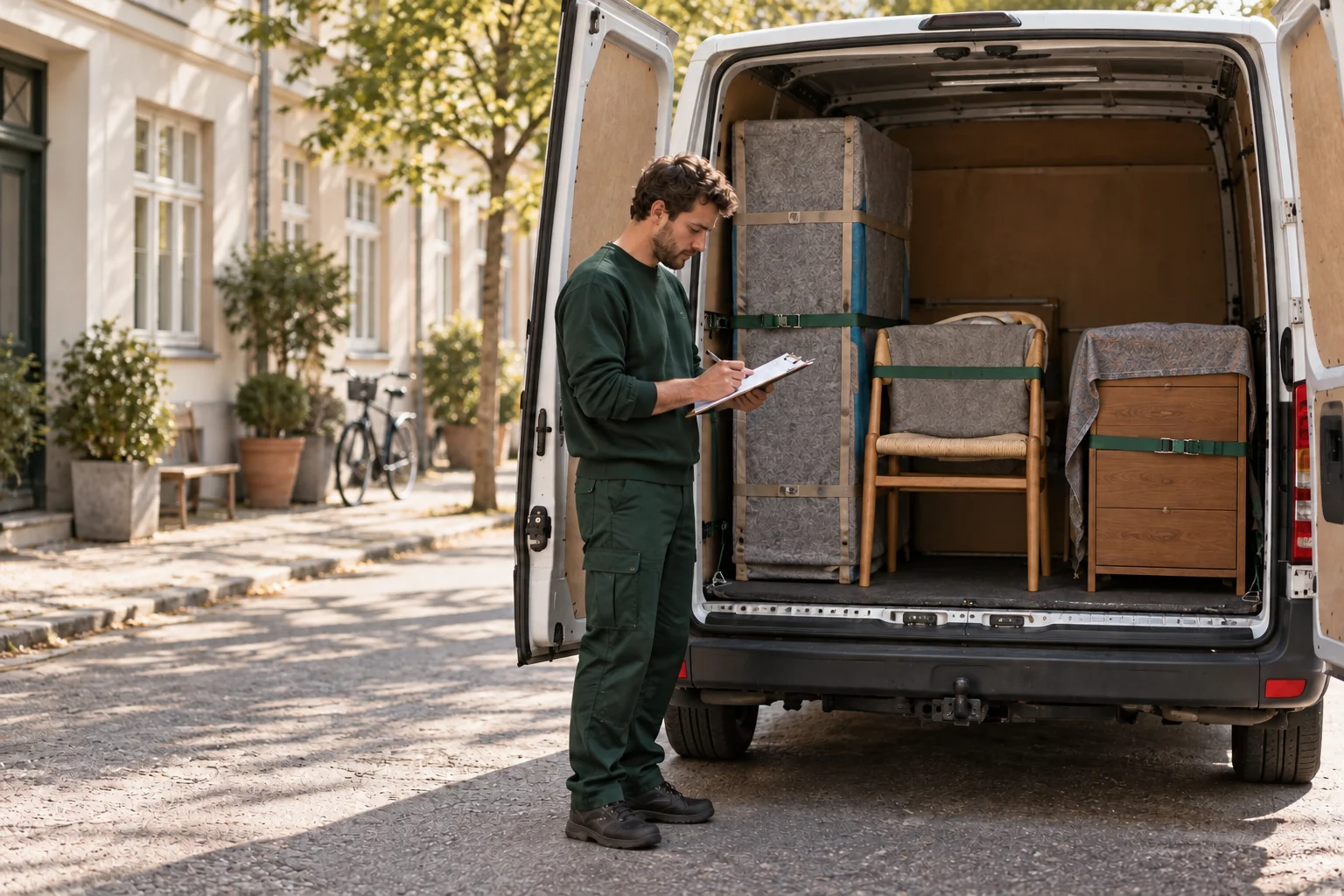
A customer and driver agree an additional stop beside a parked van

Transport

An extra stop
on the way?

Adding an address or task during the job may be possible. Agree the change with the driver or support before relying on it.

Calculate your price
About 2 min readRead the guide
Published

Yes, you can add an address in the app and agree it with the driver. The change must fit the driver's schedule. Contact support if the driver does not answer or the task is unclear. An address entered in the app does not itself guarantee the extra trip can happen.

The essentials, in brief.

  • Ask the driver or support before promising an extra collection.
  • The driver's next task may limit the option.
  • An extra stop does not bring five new free waiting minutes.

01 · Agree the change

Describe the entire extra task

Provide the address, what needs collecting or delivering and who opens. Include floor, access and carrying requirements. A quick kerbside stop differs from collecting a wardrobe on the fourth floor.

You can find and call the driver through the app. If you cannot resolve the change directly, support can contact the driver and help plan it.

02 · Time and space

The next customer must also be reached

If the driver has another booking afterwards, a longer route may make the change impossible. A gap between jobs may allow the extra stop.

There must also be space in the van and enough people for the items. An extra stop cannot be used to add a heavy item that the booked team cannot safely handle.

03 · Per-minute billing

Time continues until the task ends

On ordinary local per-minute service, extra driving, carrying and waiting count. The five free waiting minutes apply only at the beginning of the booking, not at every new address.

The timer continues while waiting for a seller or preparing belongings. If the new route becomes intercity transport, clarify the solution and price with support instead.

04 · Plan ahead next time

Known stops should be in the original booking

If you already know the route includes storage or another seller, add the address when booking. Give each stop the relevant contact and description.

Packing, furniture dismantling and other extra tasks must also suit the arriving team. Call support if the change requires more than the originally booked transport and help.

Ready for moving day?

One final review.

  • Describe the address, contact and items.
  • Agree the change with the driver or support.
  • Clarify time, space and carrying help.
  • Inform the recipient of the agreed plan.
Find a vehicle and carrying help

Have a good move — and a good start at your new address.

Back to the blog

From plan to move

Ready for your
next move?

Calculate your price
Go to article

Get Teleporter

Choose your app store.

Welcome credit

GetDKK 100in credit when you sign up.

Open Messenger

Contact Teleporter

Choose language

Dansk

Transport

An extra stop
on the way?

Adding an address or task during the job may be possible. Agree the change with the driver or support before relying on it.

About 2 min readRead the guide
Published
A customer and driver agree an additional stop beside a parked van

Yes, you can add an address in the app and agree it with the driver. The change must fit the driver's schedule. Contact support if the driver does not answer or the task is unclear. An address entered in the app does not itself guarantee the extra trip can happen.

The essentials, in brief.

  • Ask the driver or support before promising an extra collection.
  • The driver's next task may limit the option.
  • An extra stop does not bring five new free waiting minutes.

01 · Agree the change

Describe the entire extra task

Provide the address, what needs collecting or delivering and who opens. Include floor, access and carrying requirements. A quick kerbside stop differs from collecting a wardrobe on the fourth floor.

You can find and call the driver through the app. If you cannot resolve the change directly, support can contact the driver and help plan it.

02 · Time and space

The next customer must also be reached

If the driver has another booking afterwards, a longer route may make the change impossible. A gap between jobs may allow the extra stop.

There must also be space in the van and enough people for the items. An extra stop cannot be used to add a heavy item that the booked team cannot safely handle.

03 · Per-minute billing

Time continues until the task ends

On ordinary local per-minute service, extra driving, carrying and waiting count. The five free waiting minutes apply only at the beginning of the booking, not at every new address.

The timer continues while waiting for a seller or preparing belongings. If the new route becomes intercity transport, clarify the solution and price with support instead.

04 · Plan ahead next time

Known stops should be in the original booking

If you already know the route includes storage or another seller, add the address when booking. Give each stop the relevant contact and description.

Packing, furniture dismantling and other extra tasks must also suit the arriving team. Call support if the change requires more than the originally booked transport and help.

Ready for moving day?

One final review.

  • Describe the address, contact and items.
  • Agree the change with the driver or support.
  • Clarify time, space and carrying help.
  • Inform the recipient of the agreed plan.
Find a vehicle and carrying help

Have a good move — and a good start at your new address.

Back to the blog

From a good plan
to a good move.