

Packing
No TV box?
Protect the screen.
No original TV box? Check the model, protection, packaging and carrying arrangements before booking flat-screen TV transport with Teleporter.
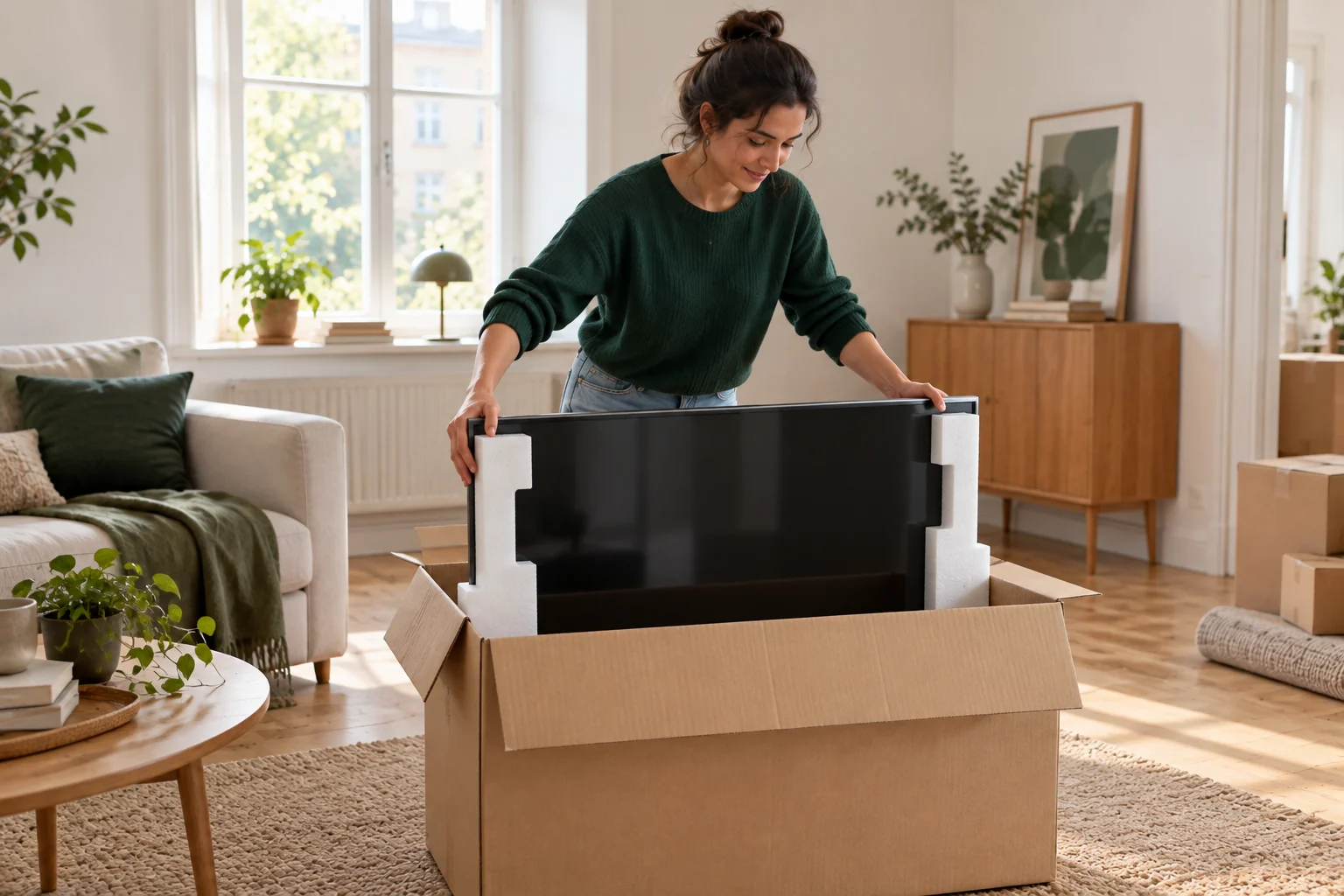
A TV without its original box needs packaging suited to its size and construction. Provide the model and dimensions, and agree protection before collection. A blanket alone may not protect against panel pressure or movement during the journey.
The essentials, in brief.
- Provide the model number and screen dimensions.
- Avoid pressure on the panel itself.
- Arrange packaging before the van arrives.
01 · Start with the model and condition
Start with the model and condition
Find the model number and manufacturer's handling instructions. Screens can have different lifting points, stands and transport-position requirements. Photograph the TV, its stand and available packaging, and disclose existing damage or loose parts.
Disconnect the TV and pack cables, remote control and small parts separately. Remove the stand only according to the instructions and with sufficient support for the screen. Put its screws in a labelled bag, not loose beside the panel.
02 · Replace the original box with suitable packaging
Replace the original box with suitable packaging
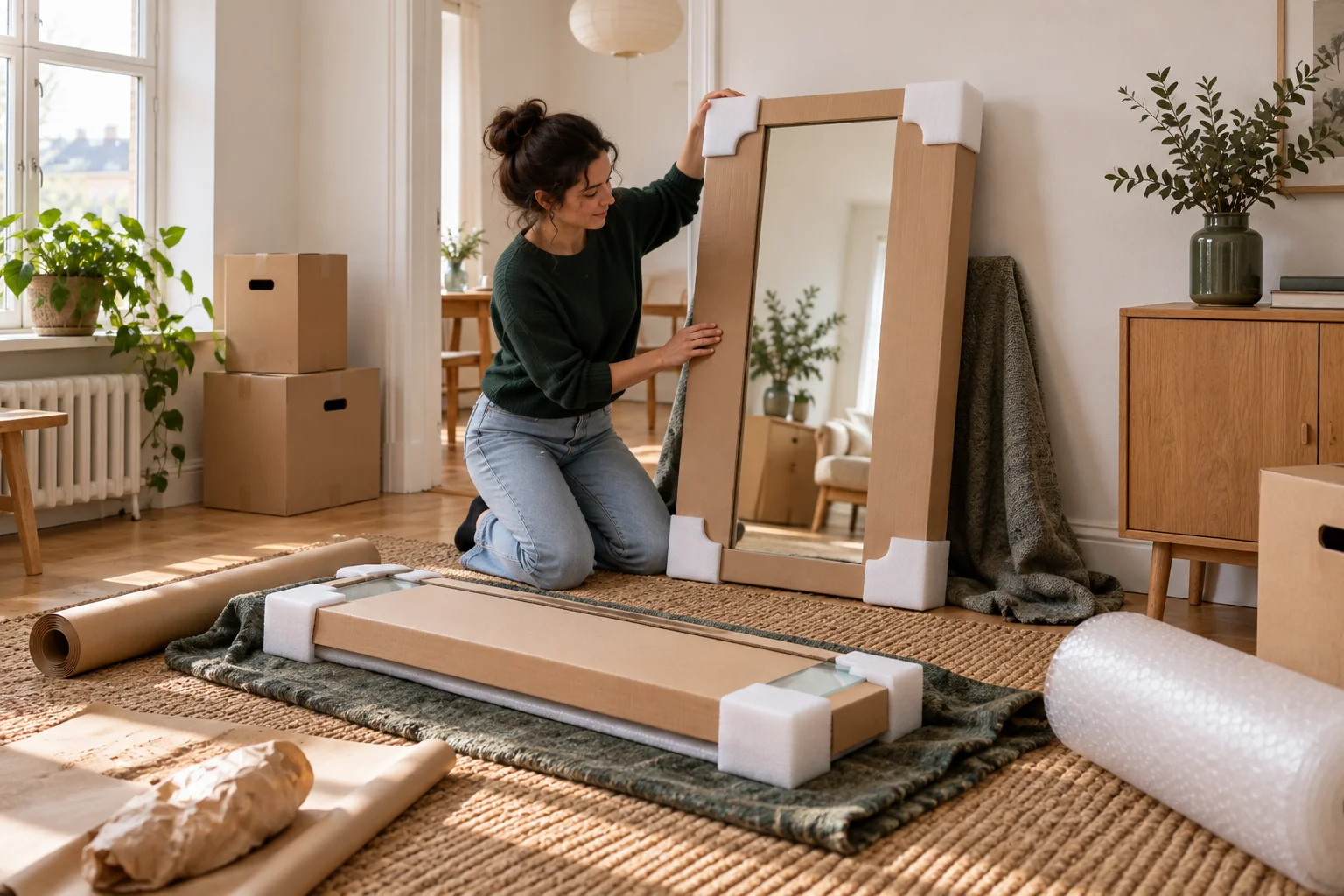
A screen box or transport packaging must suit the dimensions and weight. Protection must support the TV without pressing delicate areas and prevent movement inside the packaging. A large empty box is not enough on its own.
LG recommends suitable packaging for a move and warns against forces that can damage the screen. Start with the manufacturer's instructions for your model. Never apply tape to the screen itself or let straps or other items press against the panel.
03 · Plan carrying and placement
Plan carrying and placement
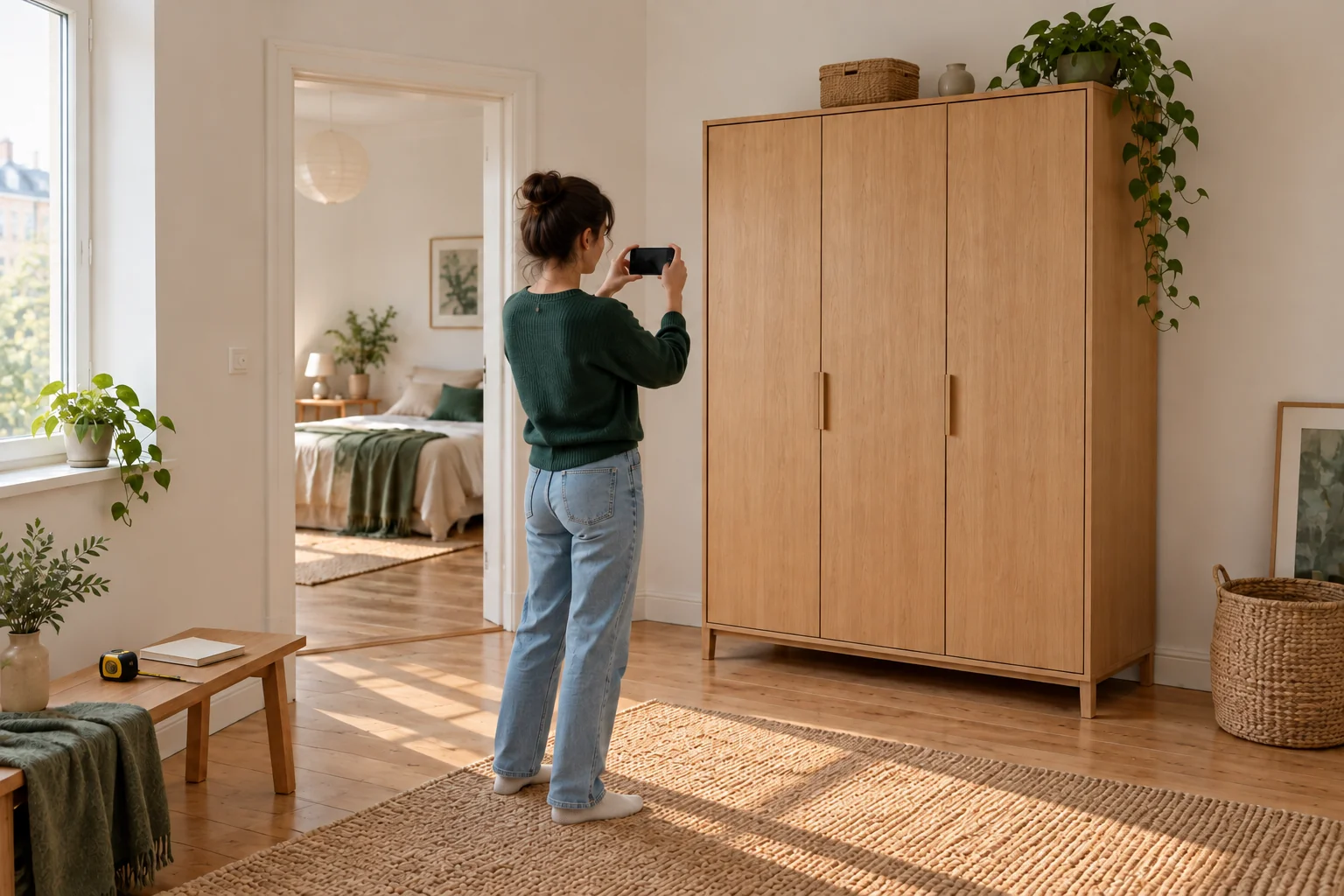
Describe stairs, narrow doors and any turns through the building. Measure the wrapped item, not just the screen diagonal. Carrying a large TV requires space for both packaging and people; screen size alone does not determine how much help is needed.
Follow the model instructions for grip and transport position. Do not place other belongings on the screen's vulnerable areas. If the booked service cannot handle the TV safely, change the packaging or assistance before transport.
04 · If you need packing help
If you need packing help
Contact Teleporter support before booking, or provide your order number if you have already booked. Send photos and explain that the original packaging is missing. Support must confirm whether a suitable team and packaging can be arranged; not every van automatically carries a TV box.
On local jobs, agreed packing forms part of paid working time, and materials are charged separately. Packing an item does not promise any particular insurance coverage. This guide concerns preparation and prevention, not compensation terms.
Ready for moving day?
One final review.
- Find the TV model and handling instructions.
- Measure the TV with its packaging.
- Pack cables and screws separately.
- Confirm packing help before collection.
Have a good move — and a good start at your new address.
Back to the blog